Show delivery times, not stock numbers
Workshops don't care how many units are in which warehouse. They want one answer: when can I have it? If that's not on screen, they call your sales desk.
One plain sentence
A stock figure means something only to people who know your warehouses. An expected delivery time is something anyone understands.
Stock gets its own icon
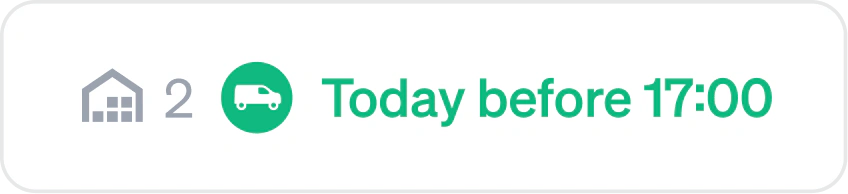
Quick delivery is not the same as in stock. The colour shows how fast a part arrives, the icon that their own branch has it on the shelf.
Two kinds of promise
On a delivery schedule they see parts reach their door. Otherwise, when the part is ready: a van for a delivery, a counter for the branch.
Suppliers stay hidden
A workshop sees the delivery time, not where it's sourced from. Your staff can see the exact stock at each supplier.
Hover for more details
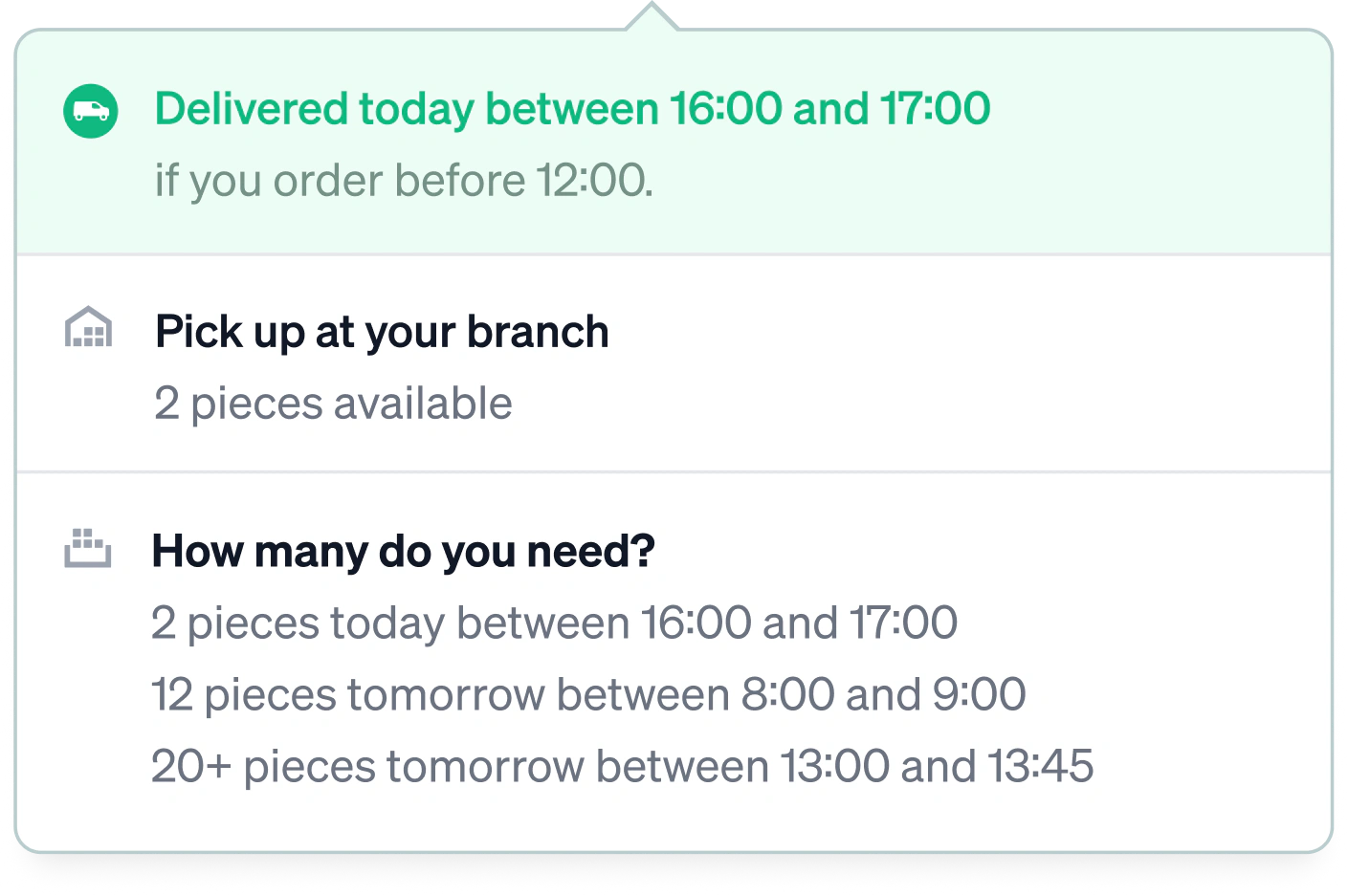
A delivery time stays short so it reads at a glance. A hover gives more details: the time to order by, the stock available to pick up and the delivery time for a larger quantity. Staff with the right permission also see the stock at every location.
Workshops pick a target delivery time
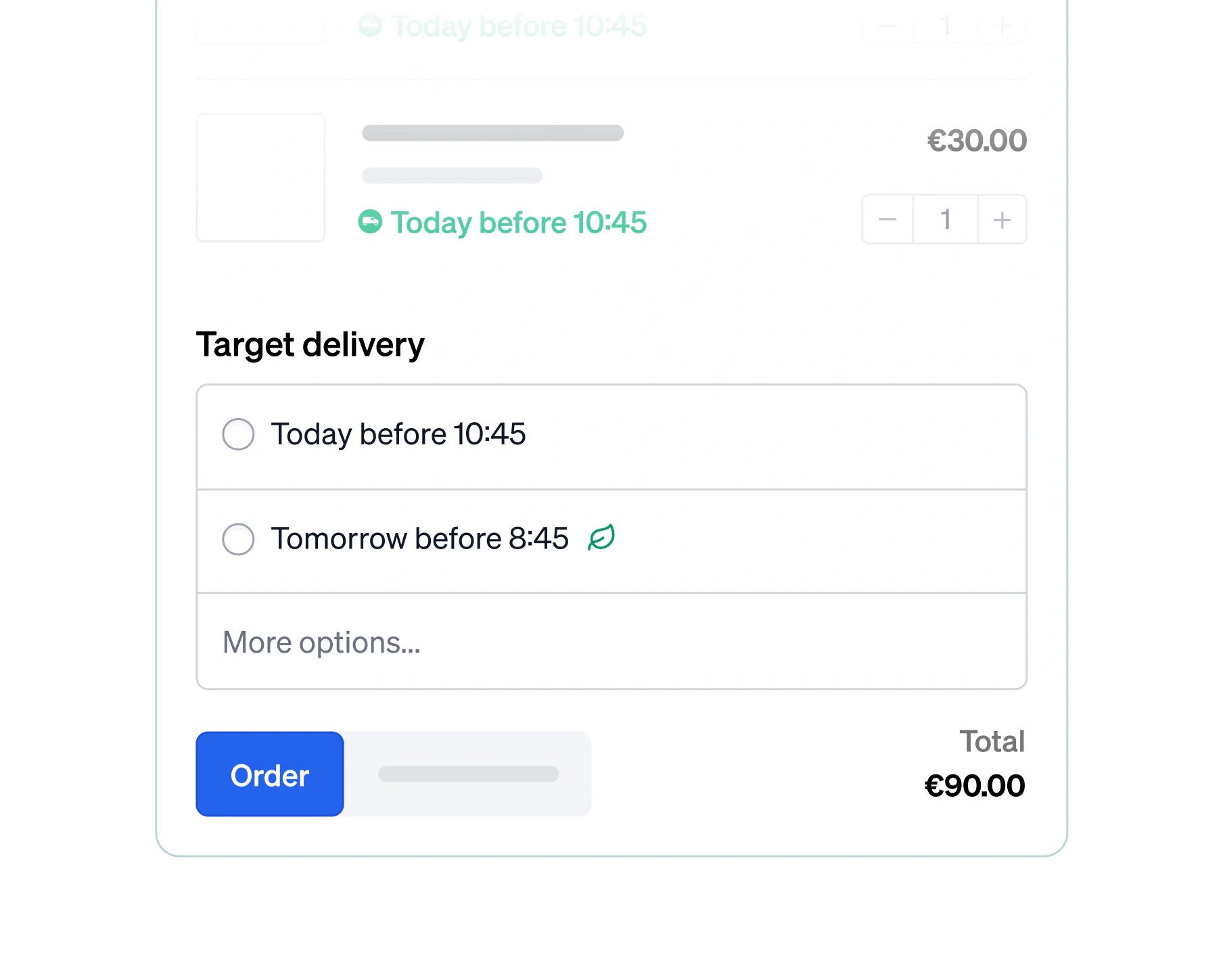
A job planned for Thursday doesn't need its parts tomorrow. A workshop that plans ahead picks a later time, and that lets you combine rides instead of driving to the same door twice.
A live countdown to the cut-off
Every delivery time in the cart is a promise, and it holds only until a cut-off passes, at a supplier or on the workshop's own delivery schedule. The countdown shows how long they can still order at the promised times.
Stock is checked live, again and again
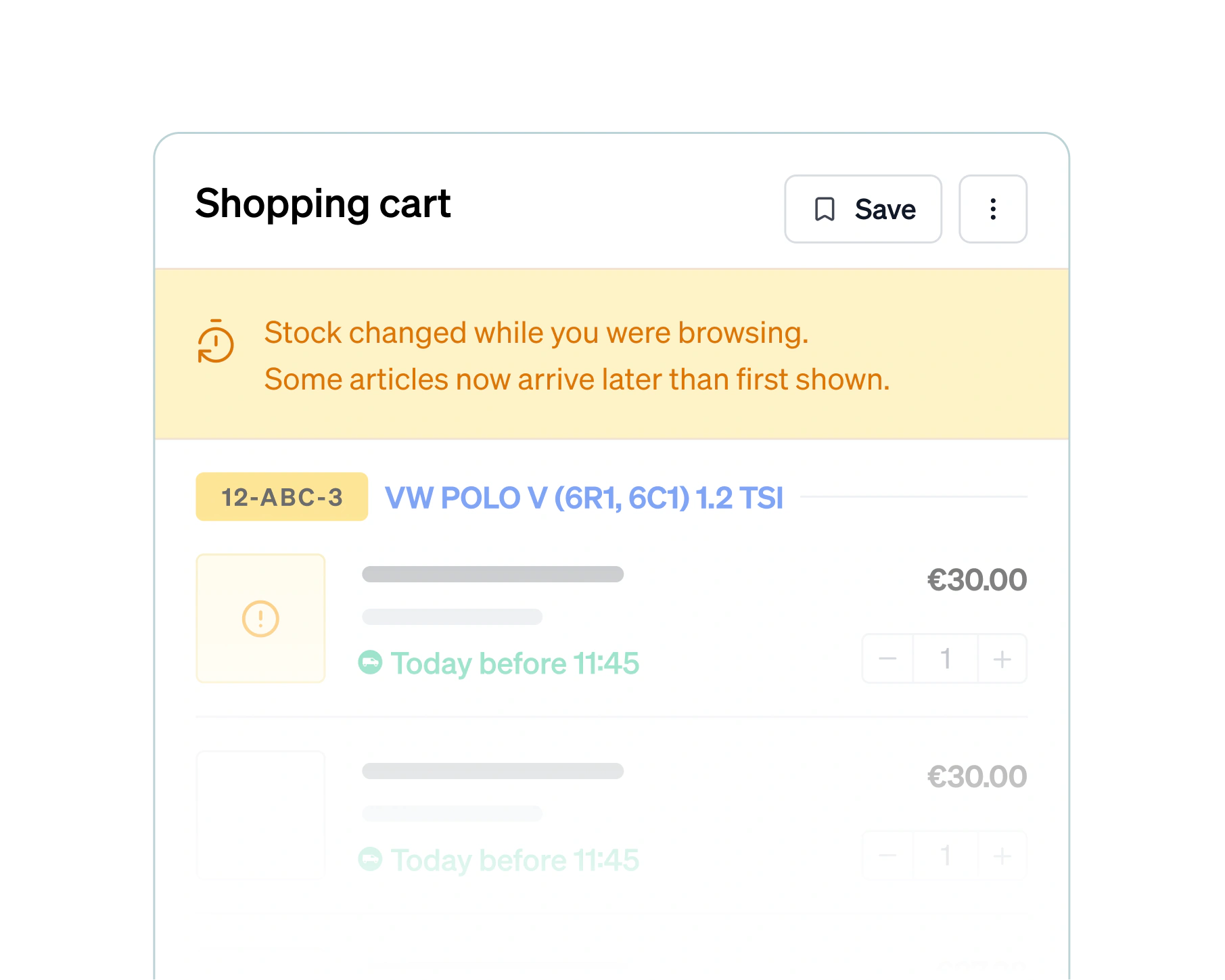
Brightmotive checks supplier stock live at every sign of interest: opening an article, hovering over a delivery time, a quantity running low in a list. The cart re-checks every few minutes and again just before ordering, flagging any delivery time that changed.
Built for how you actually deliver
If Brightmotive knows only a rough version of your logistics, the delivery times it shows are rough too. Describe how parts really move, from supplier to branch to doorstep, and the delivery times come out right.
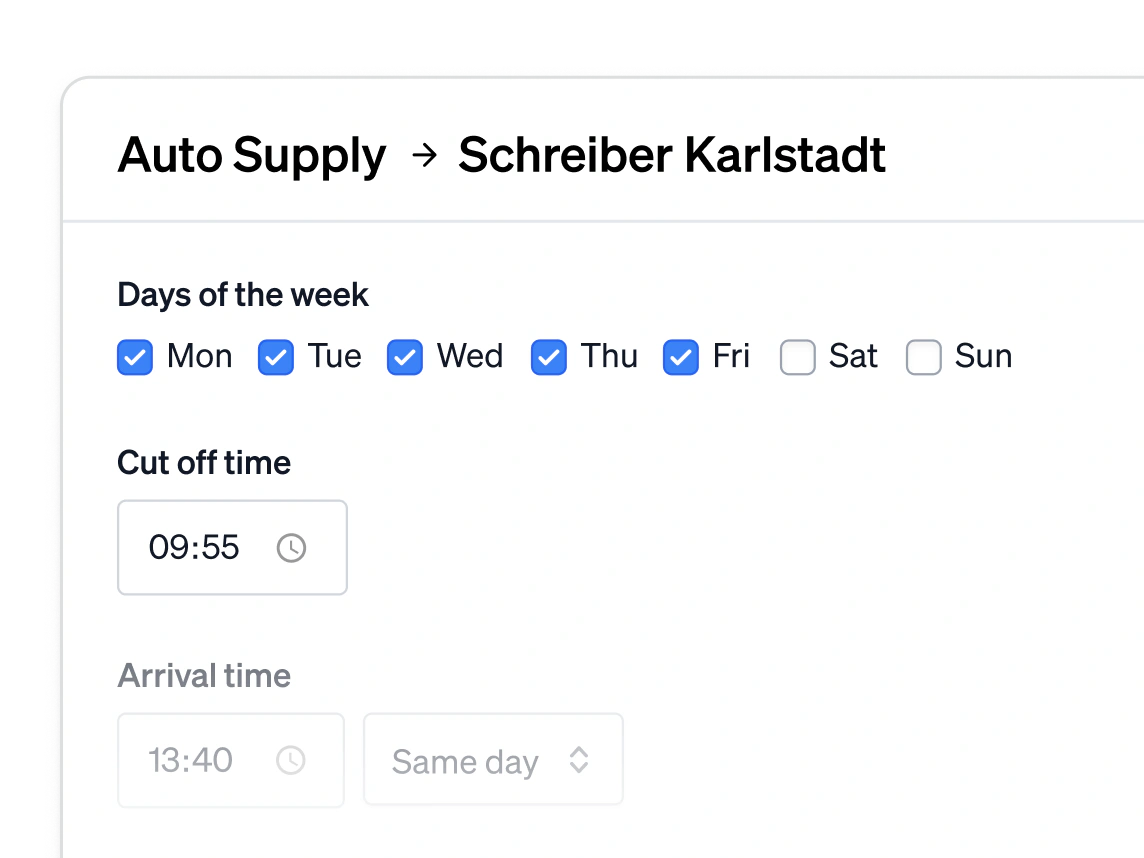
Routes connect automatically
You only describe how parts travel from one location to the next. Brightmotive connects the routes and finds the fastest way to the customer, however many branches and suppliers sit in between.
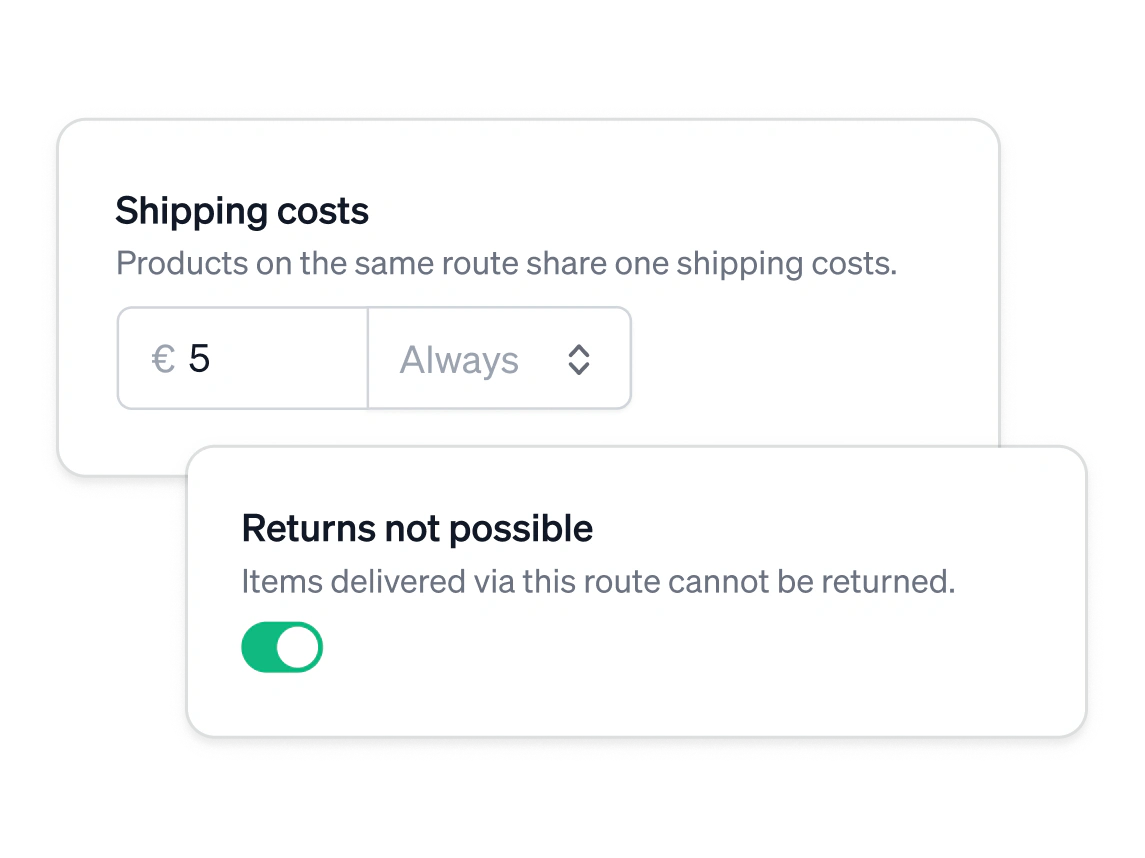
Costs and returns, per route
A route can also carry shipping costs or rule out returns. When an ordered part travels such a route, from a supplier to your branch for example, the shipping costs appear right in the cart.
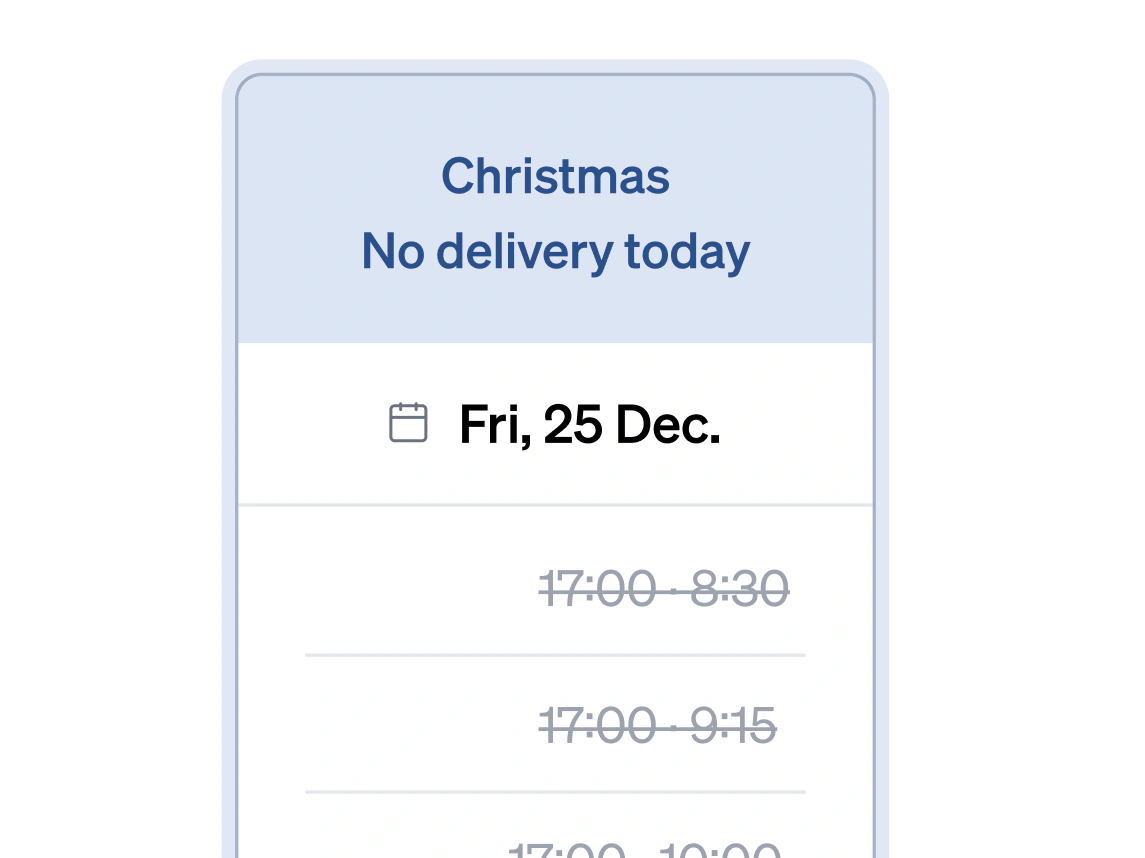
Holidays
Configure a holiday once and all deliveries stop for that day. Workshops see it straight away in their delivery times, and none of your routes, schedules or cut-offs need to change.
Supplier routes
The default: a scheduled route between two locations. You define when parts depart and when they arrive at the other end.
On-demand routes
No schedule, just a travel time. The moment a part becomes available at one location, it's a set number of minutes away from the other.
Isolated routes
A supplier route that stays out of the network. Parts arrive at your branch and travel no further, even where routes connect onward.
Fallback routes
You define the route and a margin, say one hour. It's only used when its delivery time is at least that much faster than your other routes.
To the workshop's door
Define a delivery schedule per customer, so they see when parts arrive at their own door, not just at your branch.
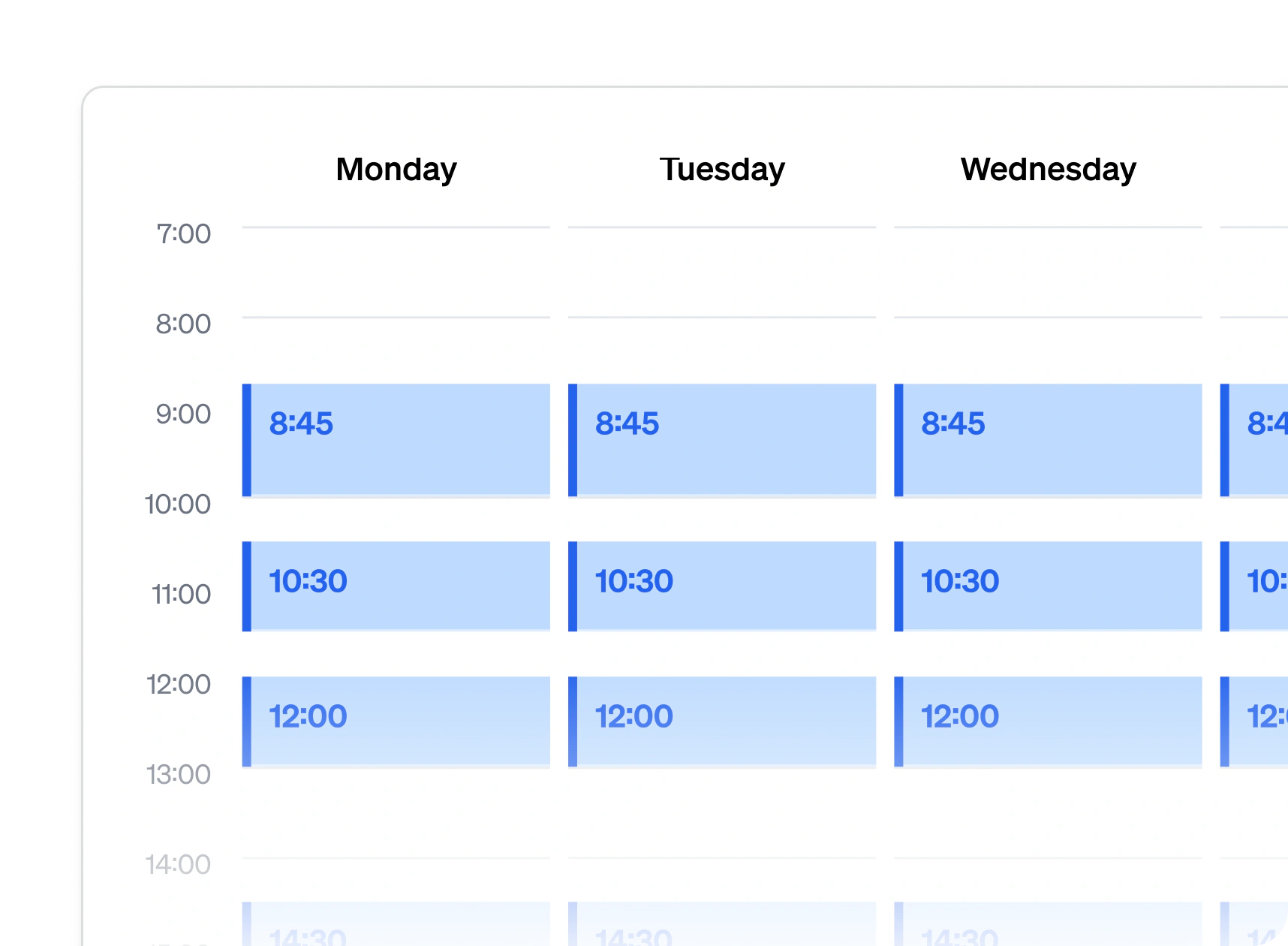
Delivery schedules
Define when you drive to customers and assign each one a schedule, so they know in what window their parts arrive.
SLA routes
No fixed window but a promise per workshop: parts are always delivered within, say, 60 minutes.
Plan the week
The full week of deliveries on one page. Workshops can always open it, holidays included.
Ready at the branch
A customer without a schedule still gets a time: the moment the part is available at the branch.

Give your workshops a catalogue they trust
They find the right part on the first try and see when it actually arrives. Fewer phone calls for your counter team.